
Beyond Plugins: How Managed Hosting Provides True WordPress Security
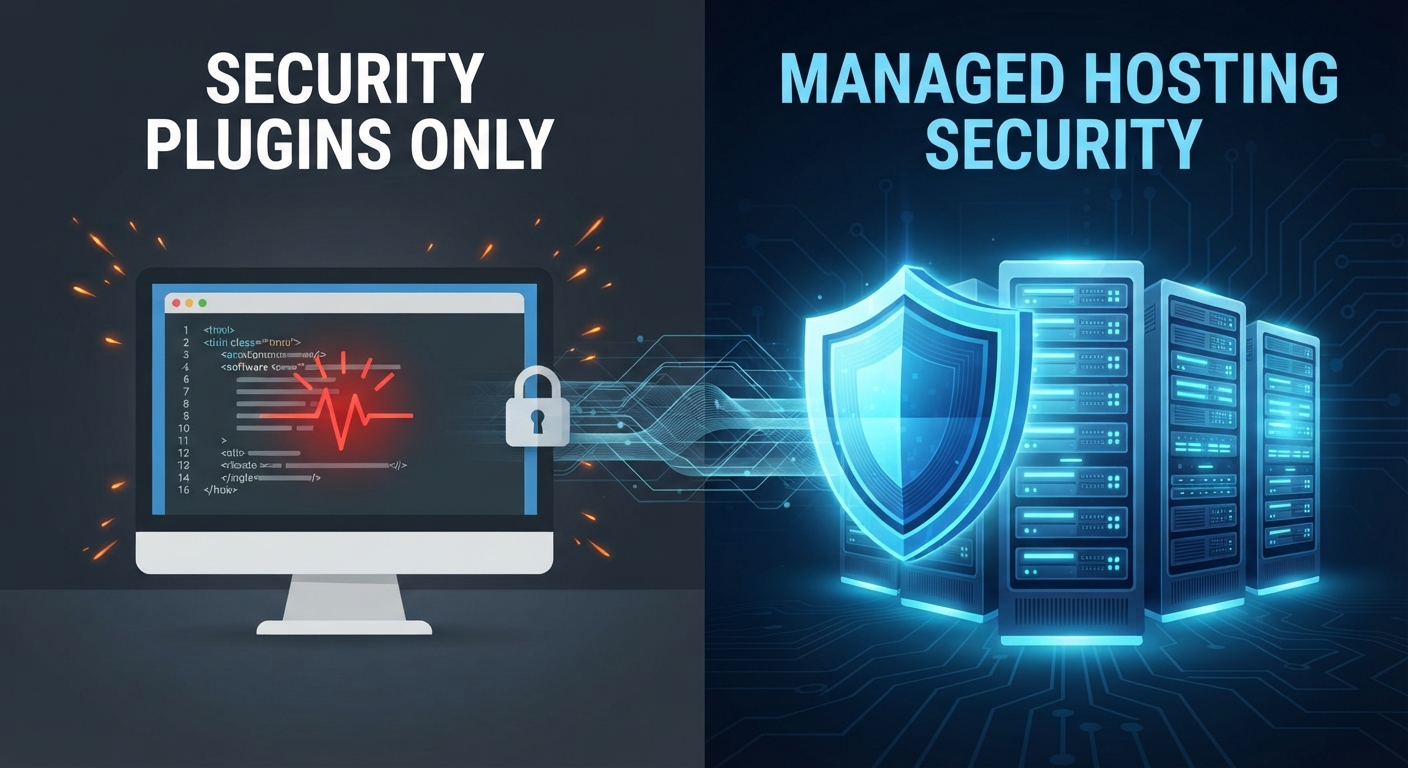
Ask any site owner how they secure their WordPress website, and you will almost always get the same answer: "I installed a security plugin."
Plugins are fantastic tools. They can block suspicious IP addresses, alert you to file changes, and enforce strong passwords. But treating a security plugin as your website's only line of defense is like installing a deadbolt on your front door while leaving the windows wide open and the roof leaking.
When sophisticated botnets, brute-force attacks, and DDoS attempts target your site, frontend plugins are fighting a losing battle. True security doesn't start at the application layer-it starts at the infrastructure level.
1. The Flaw of Relying Solely on Security Plugins
Many site owners believe that installing a popular security plugin completely hardens their WordPress site. However, plugins have distinct limitations:
- Resource Exhaustion: By the time a malicious traffic request or brute-force login attempt hits your security plugin, it has already hit your web server, executed PHP, and queried your database. If you get hit by a massive traffic spike or DDoS attack, your server will still buckle under the weight.
- The Maintenance Burden: Security plugins require constant configuration, manual updates, and careful tuning to avoid breaking site performance or conflicting with other plugins.
- Vulnerabilities in Plugins Themselves: Ironically, security plugins themselves can occasionally have vulnerabilities, giving hackers an unintended backdoor if left unpatched.
2. Edge-Level Defense: The Power of a Cloud WAF
Real protection happens before traffic ever reaches your WordPress installation. This is where a Web Application Firewall (WAF) comes into play.
- The Host-Side Advantage: Instead of letting bad traffic crash into your server, an edge-level WAF sits at the network boundary. It analyzes incoming requests globally, instantly dropping malicious traffic, SQL injection attempts, and automated botnets before they consume a single cycle of your server's CPU or database memory.
3. Proactive Server Hardening and Isolation
On cheap, shared hosting environments, your site shares resources with hundreds of other random websites. If a vulnerable plugin on your neighbor's site gets compromised, hackers can use it as a pivot point to infect every other site on that shared server.
- The Managed Standard: Specialized managed WordPress hosting isolates your environment. Furthermore, proactive server hardening ensures that file permissions are strictly locked down, outdated PHP versions are deprecated, and automated malware scanners inspect server files at the root level 24/7/365.
4. DDoS Protection and Rate Limiting
Distributed Denial of Service (DDoS) attacks are no longer reserved for Fortune 500 companies; automated bots routinely hammer small and medium WordPress sites just to probe for weaknesses.
- The Infrastructure Fix: Enterprise-grade managed infrastructure includes built-in DDoS mitigation and intelligent rate limiting. If a botnet tries to hammer your login page (
wp-login.php), the server automatically throttles or blocks the attacker instantly, keeping your site fast and accessible for real human visitors.
Layer Your Defense the Right Way
Security plugins still have a role to play as part of an overall toolkit-helping you manage two-factor authentication or audit admin logs. But they should never be your primary shield against modern cyber threats.
By pairing lightweight application-level tools with proactive, server-side managed security, you stop worrying about who is knocking at your digital door and let enterprise infrastructure do its job.
👉 Ready to secure your digital business with enterprise-grade protection? Explore OneStopWP’s secure managed hosting plans today.