
PHP 8.3 and Beyond: Why Your Host’s PHP Version Dictates Site Speed
 Olivia H.3 min read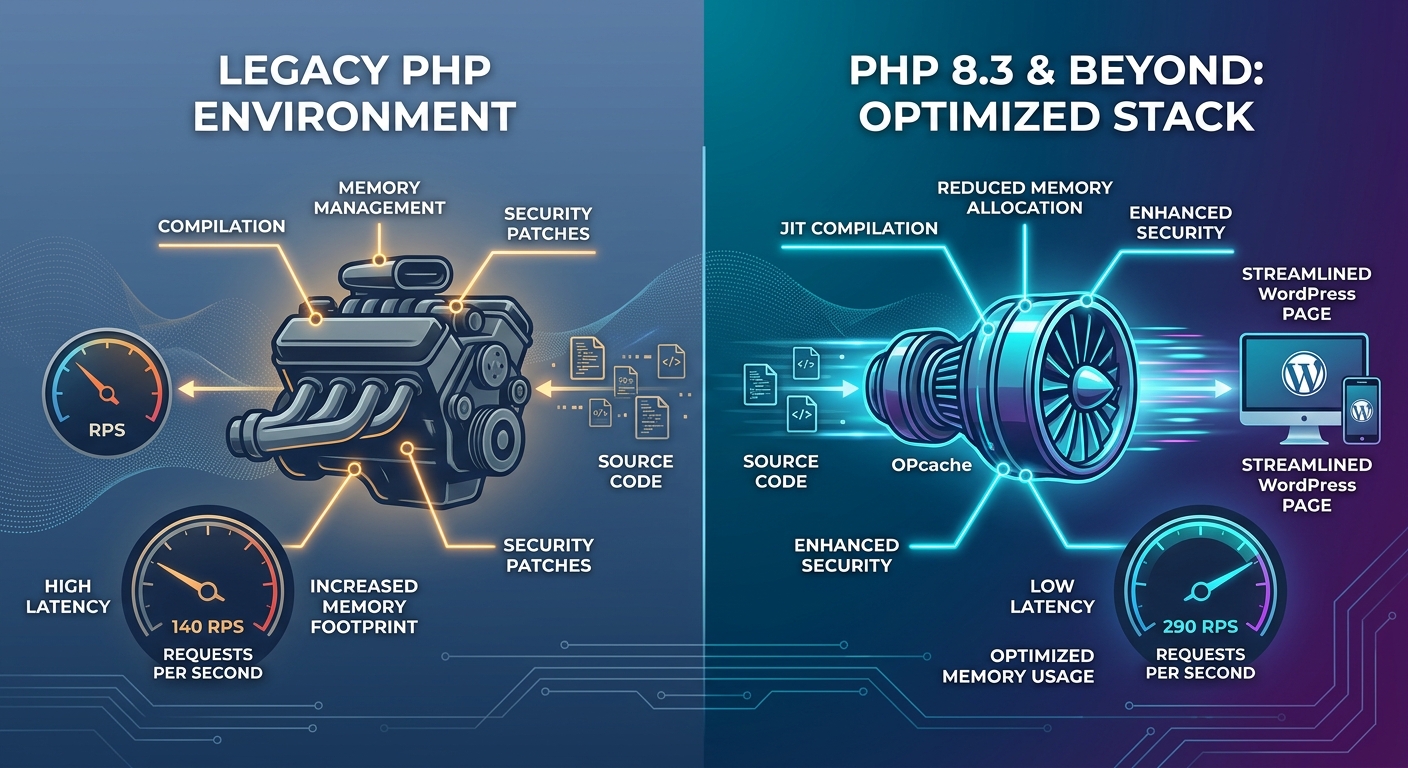
When site owners look to speed up a slow WordPress website, the immediate instinct is usually visual or front-end oriented: compress heavy images, trim unnecessary CSS, or install a caching plugin.
While front-end optimization is crucial, it ignores the primary engine driving your site under the hood: the PHP runtime executing on your server.
Every time an uncached request hits your site-whether a user populates a shopping cart, logs in, or submits a form-PHP compiles and executes thousands of lines of WordPress core, theme, and plugin code. If your web host is running an legacy version of PHP, you are sacrificing throughput and security before a single byte reaches the visitor's browser.
Let’s explore why upgrading to PHP 8.3 delivers compounding performance gains, how underlying engine improvements like JIT and OPcache work, and why managed hosting infrastructure handles this heavy lifting for you.
1. The Real-World Benchmarks: PHP 7.4 vs. PHP 8.3
Moving from legacy runtimes (like PHP 7.4) to PHP 8.3 delivers significant speed improvements without changing a single line of site code:
- Higher Throughput (Requests Per Second): Controlled benchmarks show modern PHP 8.3 setups handling roughly double the concurrent requests compared to legacy 7.4 environments.
- Lower Memory Footprint: Modern PHP runtimes optimize per-worker memory usage by up to 27%. Lower memory consumption allows your server's PHP-FPM pool to sustain significantly more simultaneous active visitors without triggering fatal memory limit errors.
2. What Makes PHP 8.3 Faster Under the Hood?
The speed improvements in modern PHP aren't magic-they are the result of cumulative engine-level optimizations:
+-------------------------------------------------------------------+
|                        PHP EXECUTION STACK                        |
+-------------------------------------------------------------------+
|  1. OPcache         --> Skips compiling PHP source files into     |
|                         opcodes on every request.                 |
|                                                                   |
|  2. JIT Compiler    --> Compiles frequently executed "hot paths"  |
|                         directly into CPU machine code.           |
|                                                                   |
|  3. Typed Constants --> Reduces runtime type-checking overhead    |
|                         across thousands of function calls.       |
+-------------------------------------------------------------------+
A. Advanced OPcache & Typed Constants
OPcache stores precompiled script bytecode in shared memory, eliminating the need for PHP to load and parse scripts on every single request. In PHP 8.3, additions like typed class constants reduce unnecessary runtime type-checking across large codebases, saving CPU cycles across thousands of internal core calls.
B. The JIT (Just-In-Time) Compiler
Introduced in PHP 8.0 and refined in subsequent releases, the JIT compiler bypassing standard opcode interpretation for CPU-heavy tasks by translating hot code paths directly into machine code at runtime. While WordPress is largely database-bound, JIT yields notable latency gains for heavy processing tasks like image manipulation and complex data calculations.
3. The Compatibility Catch: Upgrade with Staging First
If PHP 8.3 is significantly faster, why are so many WordPress sites still stuck on outdated versions?
The answer is legacy plugin and theme compatibility. Older or unmaintained plugins often contain deprecated function calls that trigger breaking errors on newer PHP versions.
Upgrading your site’s PHP environment requires a structured workflow:
- Never Upgrade Live Production First: Always clone your live site to a staging environment before changing PHP versions.
- Audit Active Plugins: Verify that your active themes and plugins explicitly state support for modern PHP releases.
- Monitor WP_DEBUG: Enable debug logging on staging to catch silent deprecation warnings before switching production traffic.
High-Performance Infrastructure with OneStopWP
At OneStopWP, you don't have to navigate complex server updates alone. Our managed hosting environment provides isolated, per-site PHP versioning, high-speed Redis object caching, and seamless staging environments-allowing you to run PHP 8.3 with total peace of mind.
👉 Want to unlock the full throughput potential of your site? Upgrade to OneStopWP Managed Hosting today.
See our plans and grab your discount while promotions last.
See plansKeep reading
All posts →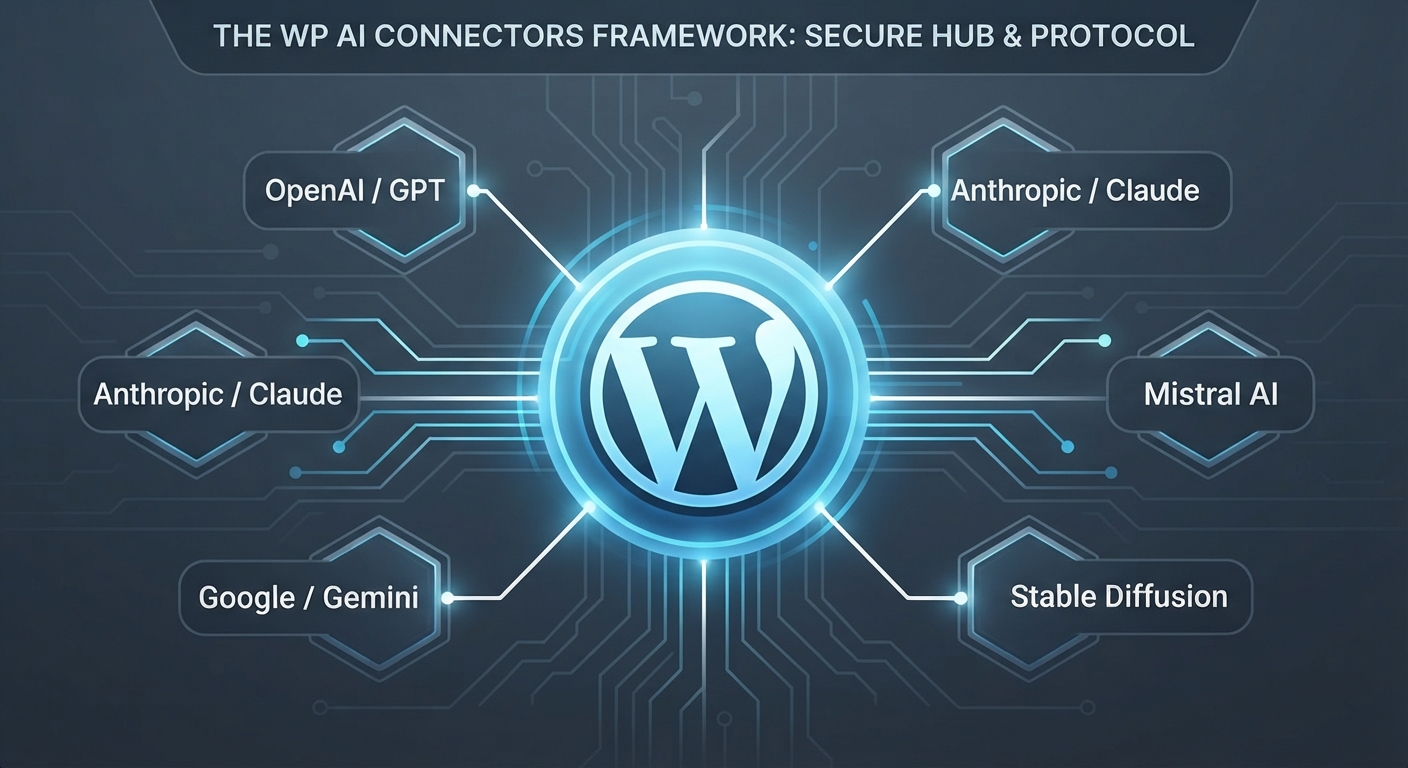 WordPress Hosting & OptimizationMastering WP AI Connectors: The Future of Native WordPress IntelligenceDenny GanchevaDate: Jun 2, 2026
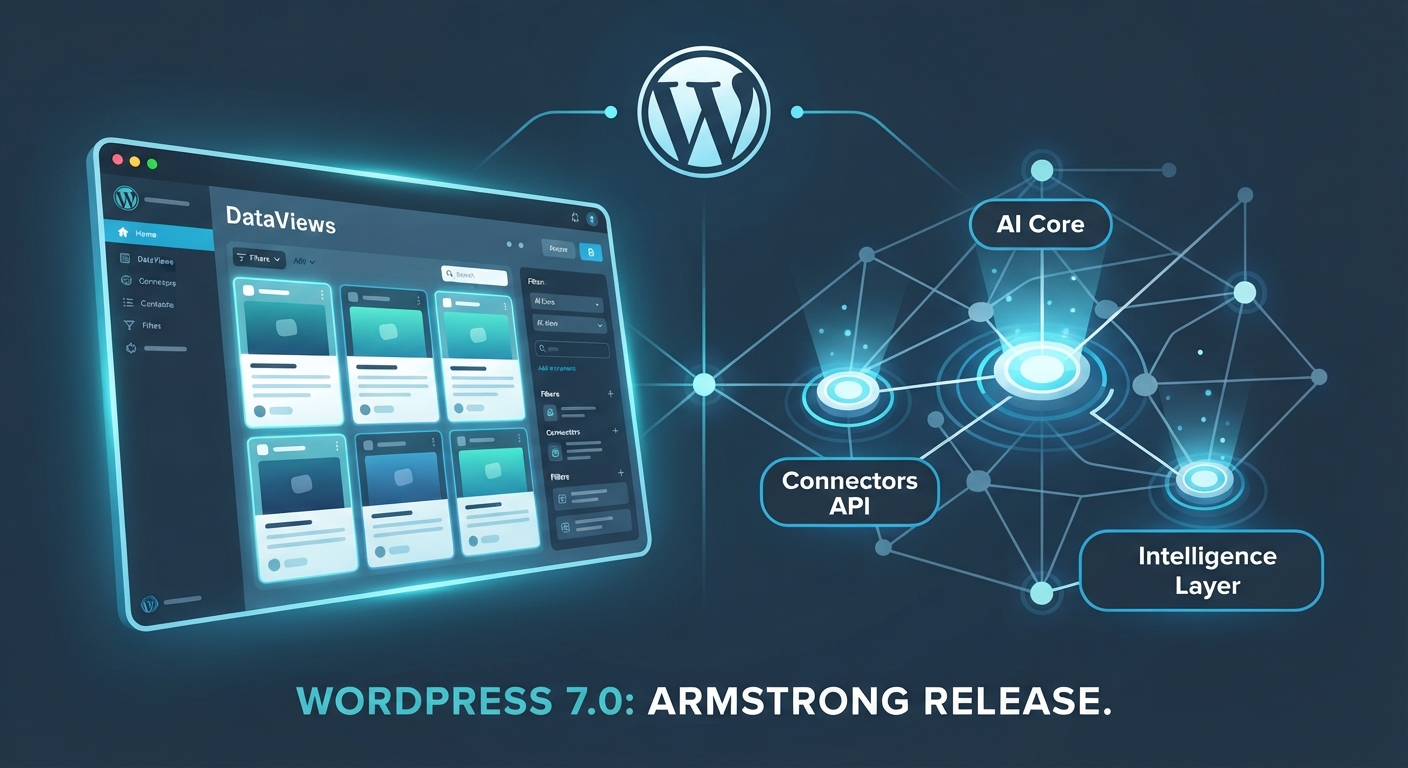 WordPress Hosting & OptimizationWordPress 7.0 Is Here: AI Core, DataViews, and What It Means for YouDenny GanchevaDate: May 20, 2026
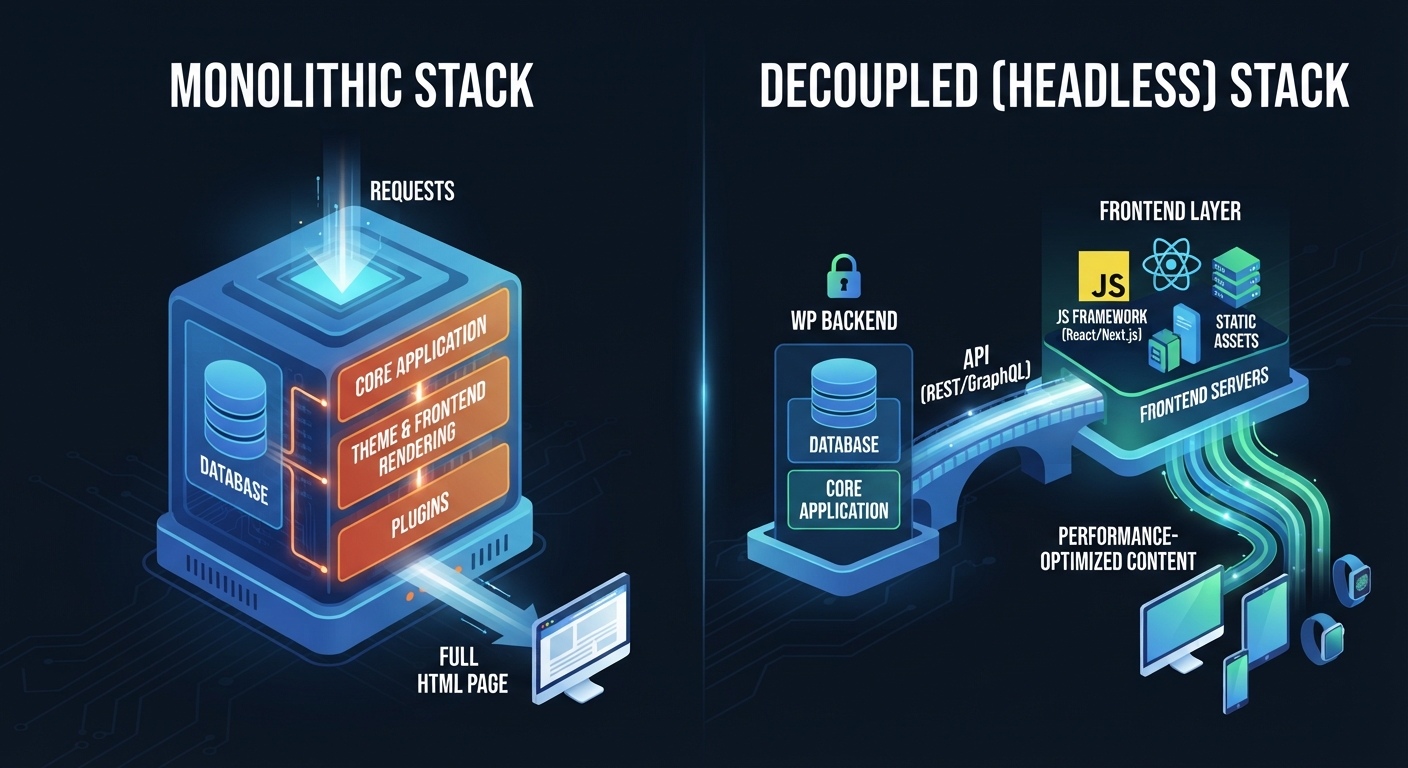 WordPress Hosting & OptimizationDecoupled vs. Monolithic WordPress: Is Headless Right for Your Next Project?Denny GanchevaDate: May 5, 2026
Stay up to date
Get WordPress hosting tips, product updates and resources straight to your inbox.