
WordPress 7.0 Is Here: AI Core, DataViews, and What It Means for You
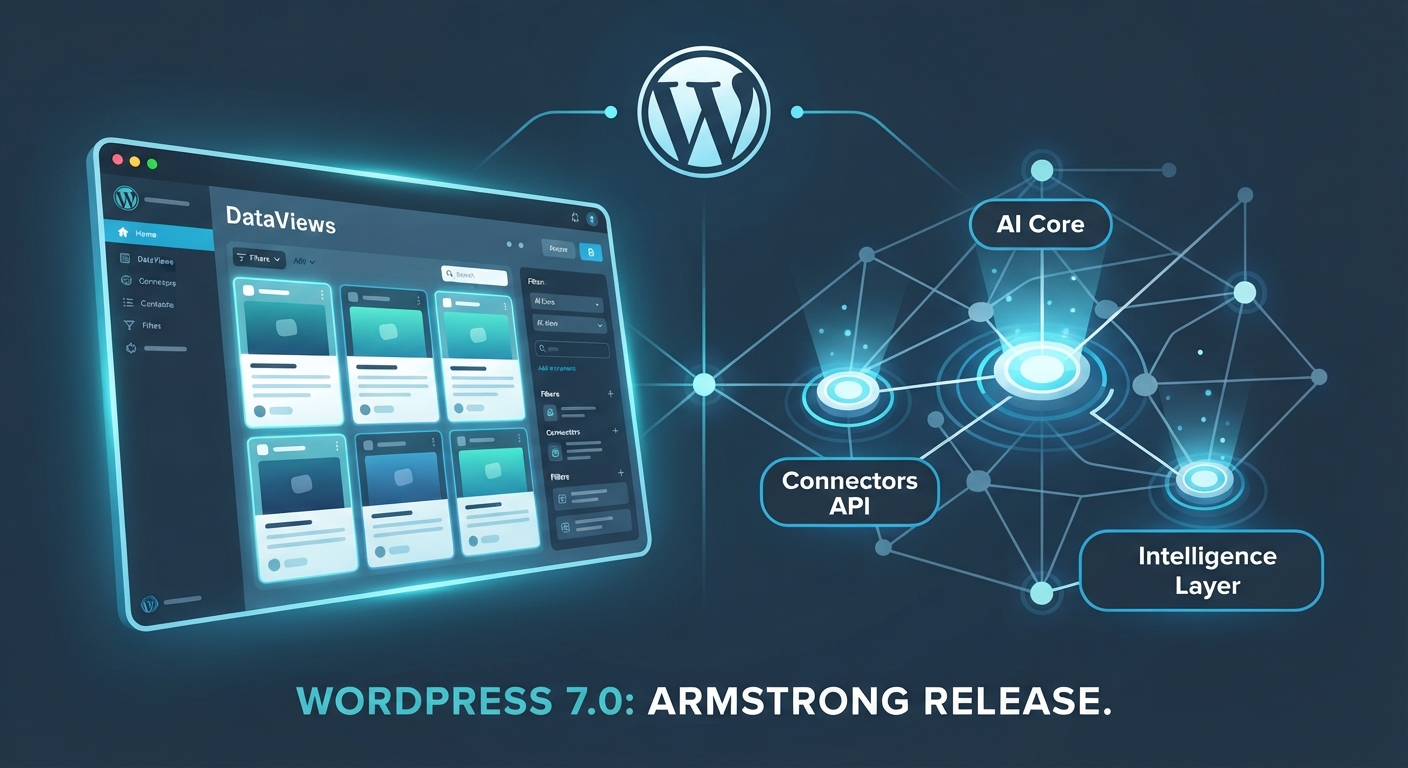
Every few years, WordPress rolls out an update that fundamentally shifts how we interact with the platform. Since the introduction of the block editor back in 2018, we haven't seen a structural evolution quite as ambitious as WordPress 7.0 ("Armstrong"), which officially launches today, May 20, 2026.
Dubbed the gateway into Phase 3 of the Gutenberg roadmap, this release leans heavily into native intelligence, a radically modernized dashboard experience, and powerful new tools for developers and content creators alike.
Let’s break down what actually shipped in WordPress 7.0, what got left on the cutting room floor, and how site owners should approach the upgrade.
1. Native AI Infrastructure: The WP AI Client
Before 7.0, if you wanted to integrate generative AI into your workflow for content drafting, image generation, or metadata suggestions, every plugin had to build its own isolated connection.
WordPress 7.0 changes the game by introducing a standardized, provider-agnostic framework directly into core:
- The Connectors Hub: Managed entirely via a centralized
Settings > Connectorsscreen, site owners can securely hook into major AI providers (like OpenAI, Anthropic, and Google) using a unified interface. - The Abilities API: Designed to give plugins a standard protocol to execute automated tasks safely without software conflicts or redundant API overhead.
2. A Modernized Admin Experience: DataViews & Visual Revisions
For years, the wp-admin post and page list tables have looked largely the same. WordPress 7.0 introduces a massive visual and functional upgrade:
- DataViews: Powered by React, the legacy tables are replaced with an app-like interface. You can instantly switch between table, grid, and list views, applying lightning-fast filters and sorting without a single page reload.
- Visual Revisions: The clunky raw HTML diff screen is gone. Editors now get a clean, single-column color-coded comparison view (highlighting additions, edits, and deletions) directly inside the editor.
3. Under the Hood: PHP Requirements and Performance
PHP Minimum Raised: WordPress 7.0 officially drops support for ancient PHP versions (7.2 and 7.3), raising the absolute floor to PHP 7.4, while strongly recommending PHP 8.3 or higher for peak performance and security.
Client-Side Media Processing: Heavy media workflows are streamlined by compressing and resizing images directly in the visitor's browser before upload begins, saving server resources on budget hosting tiers.
How to Upgrade Safely
Because WordPress 7.0 brings deep foundational updates, you should never click "Update" blindly on a live production site-especially if you run complex themes or heavy plugin stacks.
- Verify Your Server: Confirm your hosting environment is running PHP 7.4 or higher (preferably PHP 8.3).
- Staging First: Clone your live site to a staging environment and run the update there first.
- Let Us Handle It: At OneStopWP, our managed infrastructure is fully optimized for modern PHP standards, high-speed object caching, and seamless core transitions.
👉 Want a high-performance home for your updated WordPress site? Explore our managed hosting plans today.