
OneStopWP Optimizer: Free Security Checks and One-Click Fixes for Every OneStopWP Hosted Site
 Denny G.3 min read

Ask most site owners whether their WordPress security is in good shape, and you will get an honest shrug. Not because they don't care, but because the answers are scattered: the PHP version in one place, update status in another, and risky settings buried in configuration files most people never open. The OneStopWP Optimizer puts those answers on one screen inside your WordPress dashboard, and fixes the common problems with a single click.
It is included with OneStopWP at no extra cost, and it is available to OneStopWP customers.
1. What the OneStopWP Optimizer Checks
The first release focuses on security. Every check comes back as Critical, Warning, Good or Info, and the results roll up into a score so you can see where your site stands at a glance.
- Software health: your PHP version measured against its security-support end date, plus pending WordPress core, plugin and theme updates.
- Attack surface: inactive plugins and themes you no longer need, the built-in file editor, directory listing, and XML-RPC.
- Exposure: PHP errors shown to visitors, usernames exposed through the REST API, missing security headers, and wp-config.php file permissions.
- Access: whether HTTPS is enforced, whether login attempts are limited, and whether the default "admin" username is still in use.
The issues that need the most attention sort to the top, so you always know what to look at first.
2. One-Click Fixes, and One-Click Undo
When a problem has a safe fix, you will see a Fix now button. The Optimizer can switch off the built-in theme and plugin file editor, hide PHP error output from visitors, redirect HTTP traffic to HTTPS, and stop the REST API from listing your usernames to logged-out visitors.
Every fix has a Turn off button on the same screen, so nothing is permanent. Where a fix edits a configuration file, the Optimizer saves a backup copy first.
Some checks are guidance only. When the right move belongs to you or your developer, such as updating a plugin or removing an unused theme, the Optimizer explains what it found and links straight to the right screen. If you are curious why PHP matters so much, our guide on why your host's PHP version dictates site speed covers it.
3. Included for OneStopWP Customers, Nothing to Install
The Optimizer is a must-use plugin, which means we deploy and maintain it for you. There is nothing to download, no license to enter, and it can't be switched off by accident from the Plugins screen. You will find it as OneStopWP Optimizer in your WordPress admin menu.
It is built exclusively for sites hosted with OneStopWP, and it is not sold or available anywhere else.
4. Where It Fits in Your Defense
Let's be honest about what a plugin can and can't do. Real WordPress security starts at the server: edge firewalls, hardened infrastructure, and patching that happens before a problem reaches your site. We covered that in Beyond Plugins: How Managed Hosting Provides True WordPress Security, and the Optimizer does not replace it.
What it adds is the view from inside WordPress: the settings, updates and leftovers that only your site can reveal. It is a detection tool, not a full audit or a guarantee, and it works best as one layer among several.
5. What's Next
This is the first release, and the Security tab is only the start. The Speed and SEO tabs are already on the roadmap, along with more tools to keep your site fast, healthy and easy to find. We will share each new addition here as it ships, and we want to hear what you would like to see next.
🔒 Want security checks built into your hosting? Explore OneStopWP managed plans today.
See our plans and grab your discount while promotions last.
See plansKeep reading
All posts →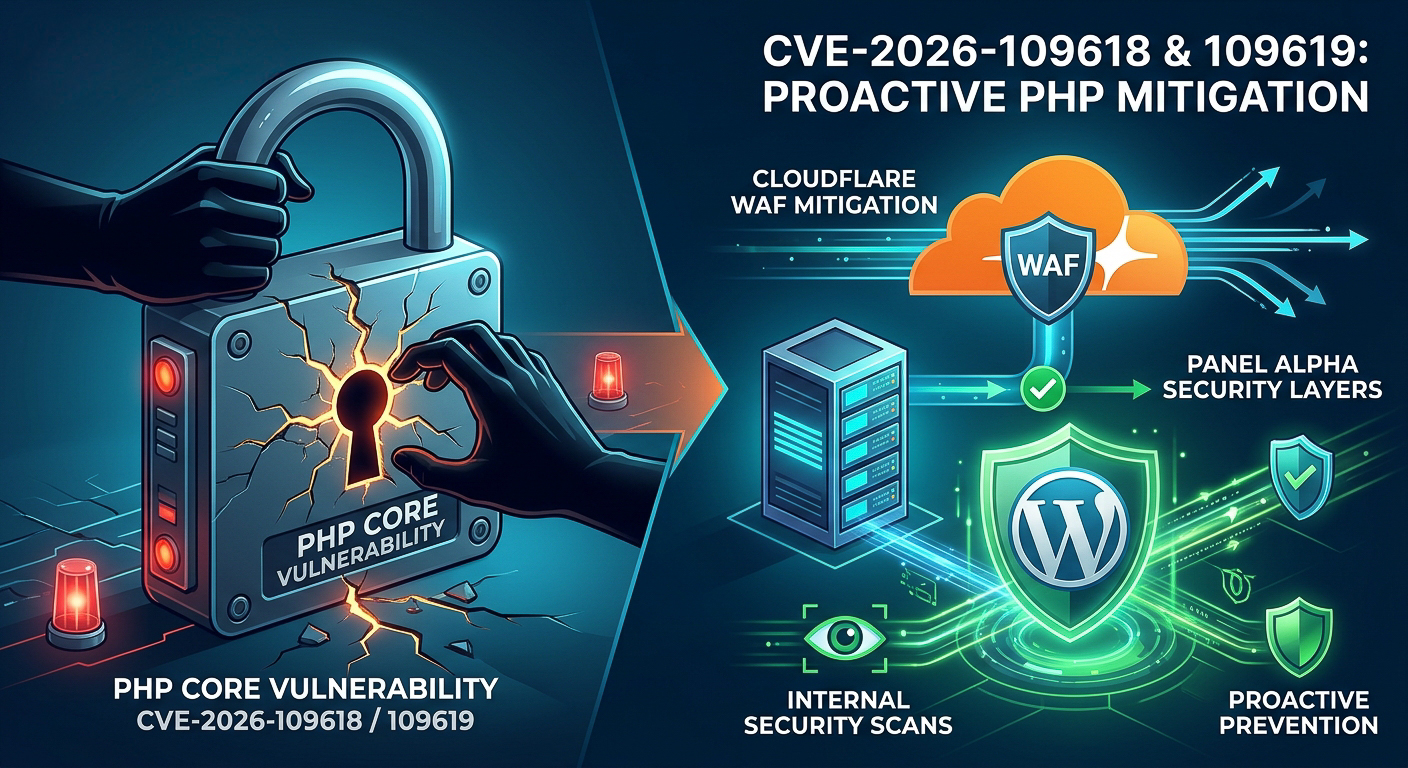 WordPress Hosting & OptimizationCritical PHP Vulnerabilities (CVE-2026-109618 & CVE-2026-109619): Our Proactive Security ResponseOlivia H.Date: Oct 21, 2026
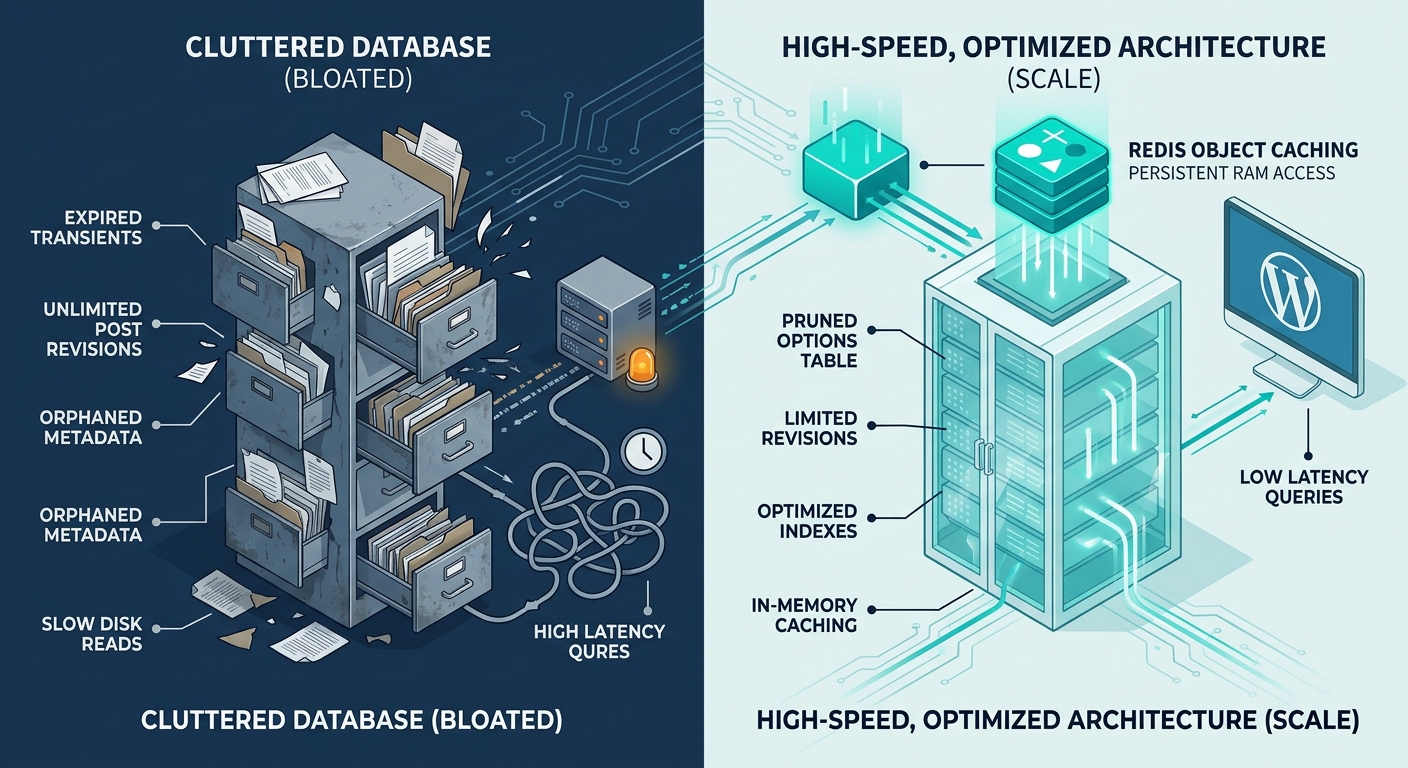 WordPress Hosting & OptimizationThe Anatomy of WordPress Database Bloat: How to Keep MySQL Fast at ScaleOlivia H.Date: Jul 6, 2026
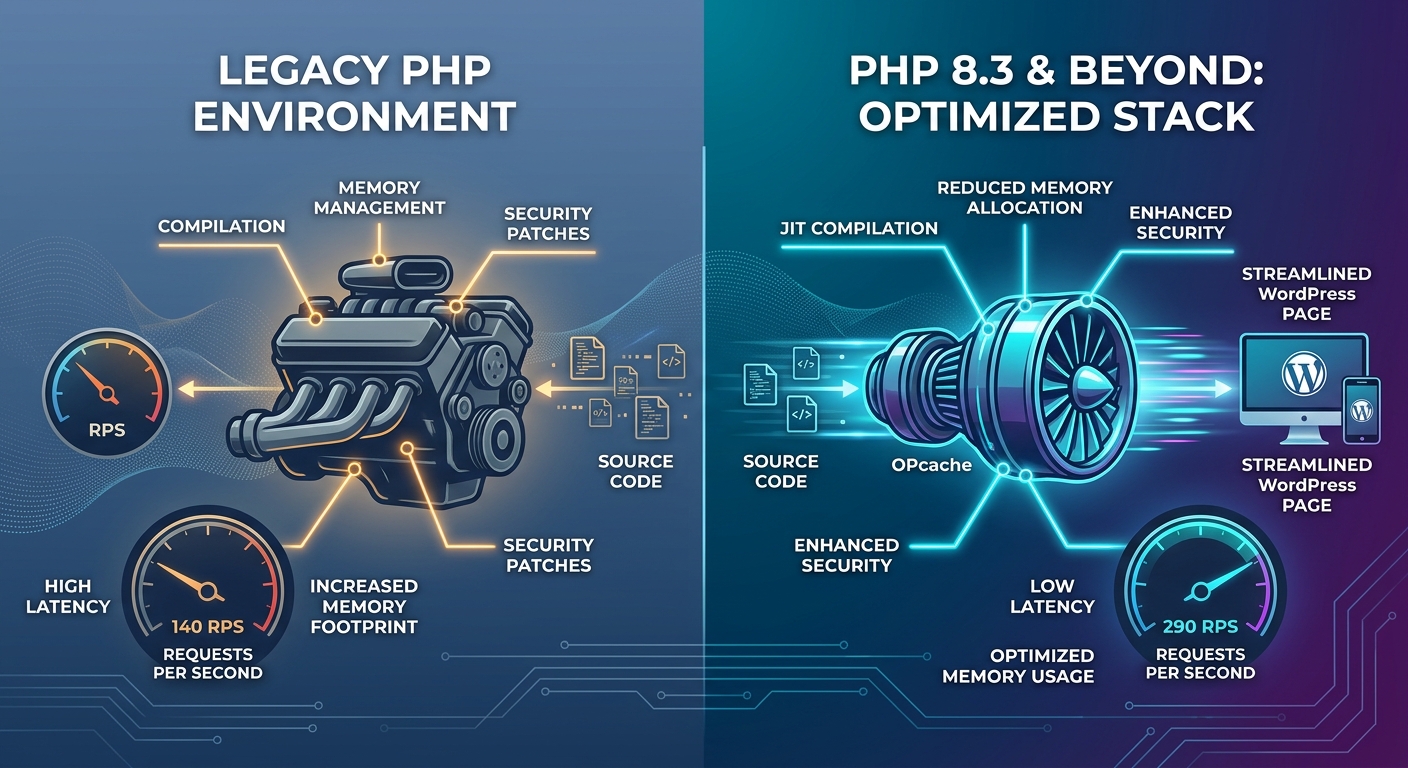 WordPress Hosting & OptimizationPHP 8.3 and Beyond: Why Your Host’s PHP Version Dictates Site SpeedOlivia H.Date: Jun 23, 2026
Stay up to date
Get WordPress hosting tips, product updates and resources straight to your inbox.