
The Anatomy of WordPress Database Bloat: How to Keep MySQL Fast at Scale
 Olivia H.4 min read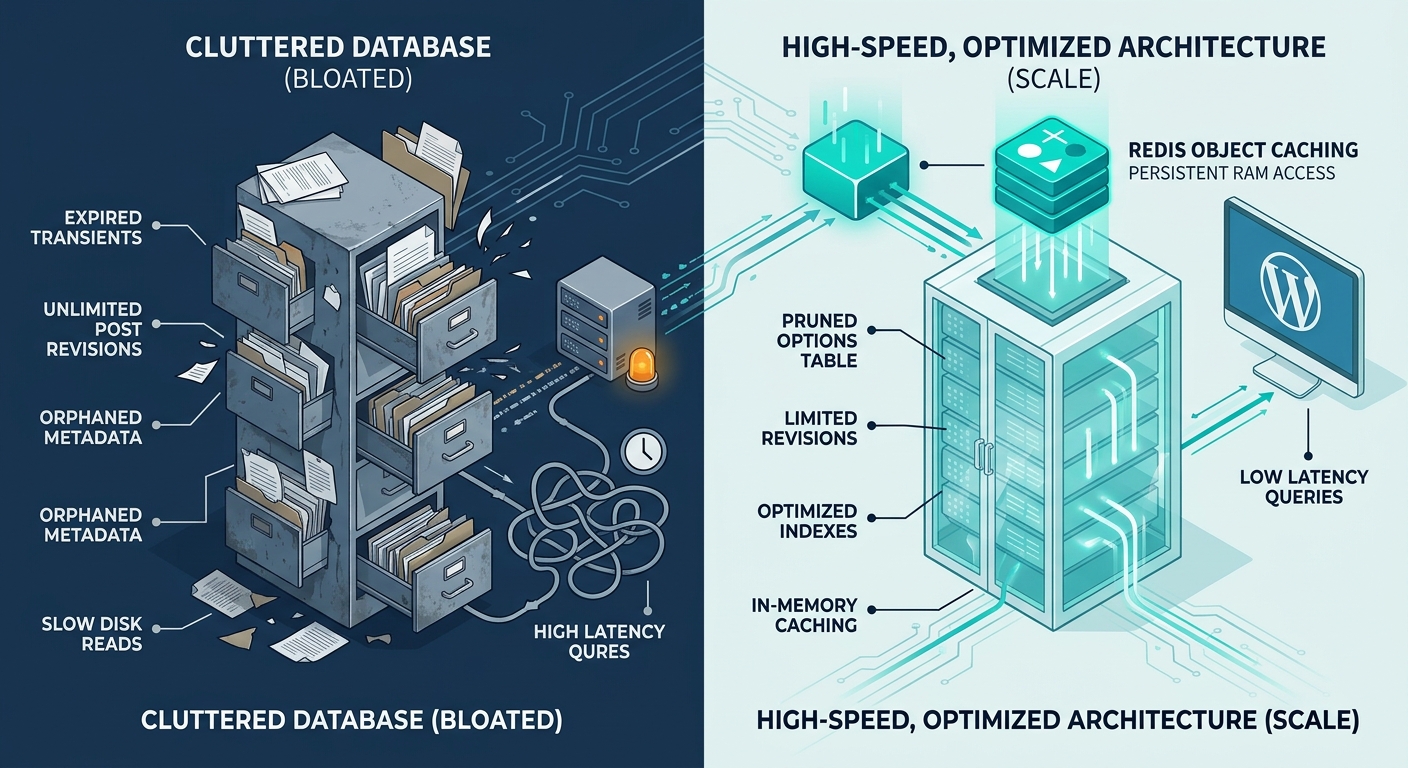
When a WordPress website grows-whether expanding an e-commerce catalog, running high-traffic publishing workflows, or executing dynamic memberships-performance degradation rarely stems from static file serving. In almost every high-scale environment, the primary bottleneck is the database.
Every page render, search request, WooCommerce cart update, and admin dashboard load relies on querying your MySQL or MariaDB database. Over time, default core behaviors, unindexed meta tables, and poorly managed transients accumulate millions of unnecessary rows.
Without targeted database tuning and proper object caching, query latency spikes, database connections max out, and overall site throughput plummets.
Let's dissect the primary drivers of database bloat, explore how unoptimized queries impact server load, and look at how managed infrastructure solves these bottlenecks at scale.
1. The Core Culprits of Database Bloat
WordPress uses a flexible schema (wp_options, wp_postmeta, wp_usermeta) designed to support virtually any content type. However, that flexibility comes at a performance cost as database tables scale into hundreds of thousands of rows.
+--------------------------------------------------------------------+
|                   PRIMARY SOURCES OF DATABASE BLOAT                |
+--------------------------------------------------------------------+
|  1. Expired Transients   --> Uncleaned temporary data residing in  |
|                              the wp_options table.                 |
|                                                                    |
|  2. Unlimited Revisions  --> Hundreds of post copies inflating     |
|                              wp_posts and wp_postmeta.             |
|                                                                    |
|  3. Orphaned Metadata    --> Metadata entries pointing to deleted  |
|                              posts, users, or comments.            |
+--------------------------------------------------------------------+
A. Autoloaded Options & Expired Transients
The wp_options table contains an autoload field. When set to yes, WordPress loads that data into memory on every single HTTP request.
Plugin developers frequently store temporary data (transients) in wp_options. When plugins fail to garbage-collect expired transients, the autoloaded options table can balloon from a lean 1-2 MB to dozens of megabytes. This forces MySQL to transfer megabytes of unnecessary data on every single request before PHP even executes.
B. Unbounded Post Revisions
By default, WordPress stores an unlimited number of revisions for every draft and published page. A site with 500 published posts can easily accumulate 10,000+ revision rows in wp_posts-alongside associated metadata in wp_postmeta. This inflates table indexes and increases MySQL disk read overhead.
C. Orphaned Postmeta and Term Relationships
When plugins, custom post types, or WooCommerce products are deleted through bulk scripts or poorly coded tools, the associated entries in wp_postmeta and wp_term_relationships are often left behind. Querying these unindexed, orphaned relationships forces full table scans rather than quick index lookups.
2. The Impact on MySQL Query Execution Time
As database tables grow bloated, MySQL queries transition from in-memory index lookups to disk-bound file scans.
- Slower
JOINOperations: When querying posts along with meta keys (e.g., product prices or custom fields), MySQL performs complexJOINqueries acrosswp_postsandwp_postmeta. Larger tables increase join latency exponentially. - Buffer Pool Exhaustion: MySQL uses the
innodb_buffer_pool_sizememory space to cache frequently accessed table indexes. Excessively large, bloated tables flush warm data out of memory, forcing the server to read directly from storage.
3. Solving Database Bloat at Scale
Resolving database performance requires a combination of core configuration hygiene and high-performance caching infrastructure:
A. Clean & Limit Core Behavior
- Restrict Revisions: Limit post revisions by defining
define('WP_POST_REVISIONS', 3);inwp-config.php. - Prune Autoloaded Options: Regularly audit
wp_optionsto ensure autoloaded data stays below 800 KB. - Automate Transient Cleanup: Use scheduled cron jobs to clear expired transients and remove orphaned metadata.
B. Offload Database Load with Persistent Object Caching via WPCacheOn
Cleaning tables helps, but the true key to scaling high-traffic sites is preventing database queries from running in the first place.
This is where our in-house built WPCacheOn plugin comes in. Designed natively for high-performance WordPress environments, WPCacheOn (also available on the WordPress.org Plugin Directory) provides a streamlined way to leverage persistent Redis Object Caching.
Instead of querying MySQL every time WordPress needs site options, post metadata, or user sessions, Redis stores compiled query results directly in high-speed server RAM. When a user requests a page, WordPress fetches data instantaneously from Redis in milliseconds, completely bypassing MySQL for dynamic object data.
High-Performance Database Infrastructure with OneStopWP
At OneStopWP, we don't just host your site; we optimize the underlying engine. Built on isolated containerized nodes powered by PanelAlpha, our managed hosting includes:
- In-House WPCacheOn Integration: Pre-configured optimization powered by our custom-built WPCacheOn plugin, delivering advanced HTML caching alongside robust, seamless Redis Object Caching to offload up to 90% of database query volume.
- Automated Maintenance: System-level cron scheduling to prevent transient and revision accumulation.
- Optimized MySQL/MariaDB Tuning: Dedicated buffer pool allocations tailored specifically to modern WordPress workloads.
👉 Tired of database slowdowns? Upgrade to OneStopWP Managed Hosting today.
See our plans and grab your discount while promotions last.
See plansKeep reading
All posts →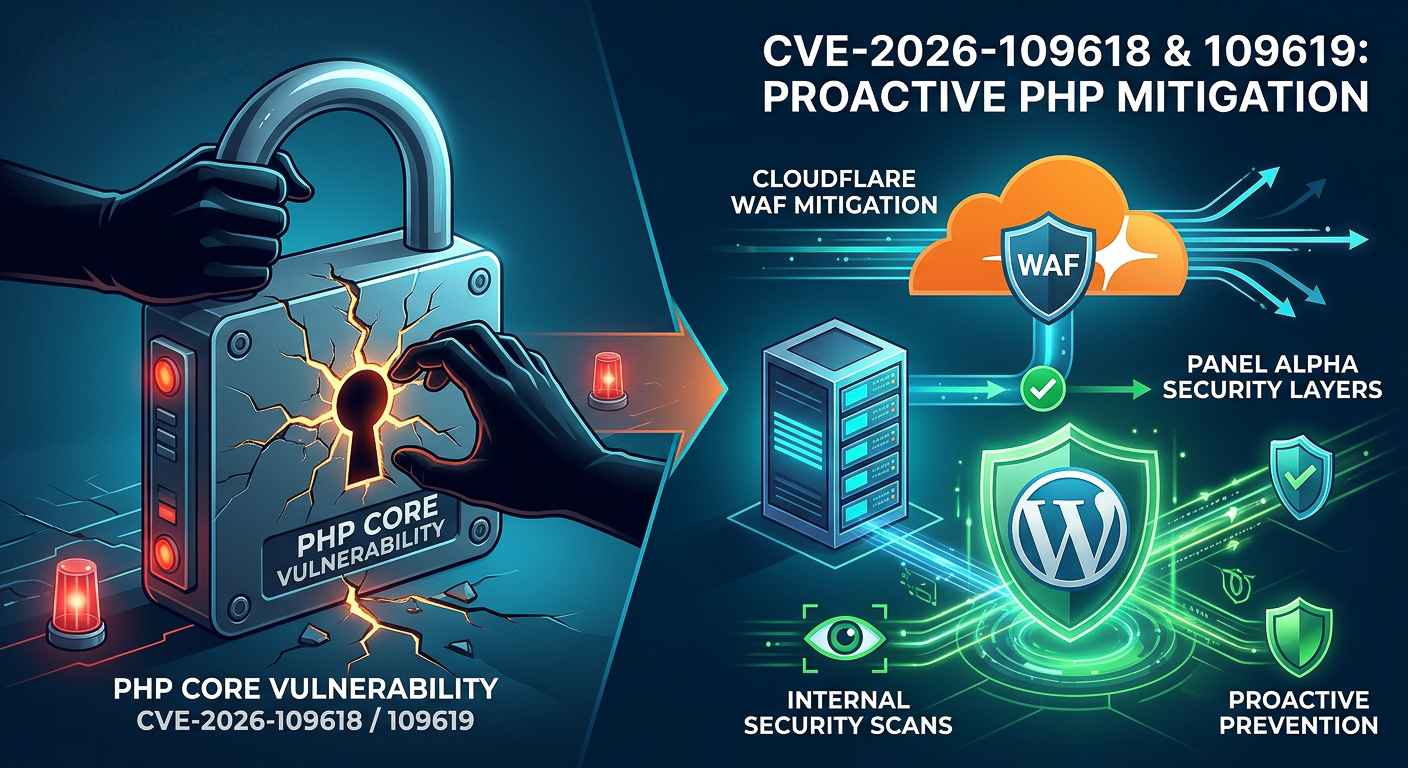 WordPress Hosting & OptimizationCritical PHP Vulnerabilities (CVE-2026-109618 & CVE-2026-109619): Our Proactive Security ResponseOlivia H.Date: Oct 21, 2026
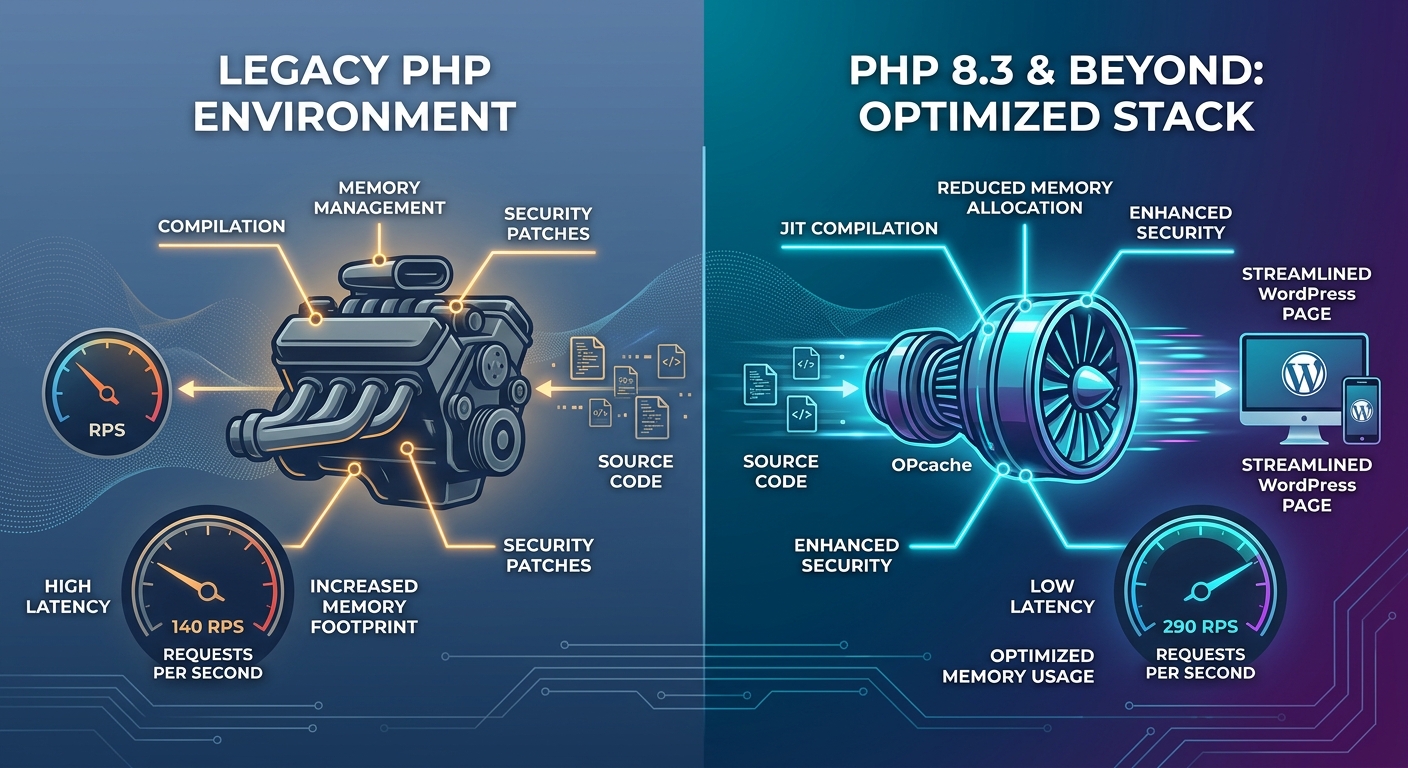 WordPress Hosting & OptimizationPHP 8.3 and Beyond: Why Your Host’s PHP Version Dictates Site SpeedOlivia H.Date: Jun 23, 2026
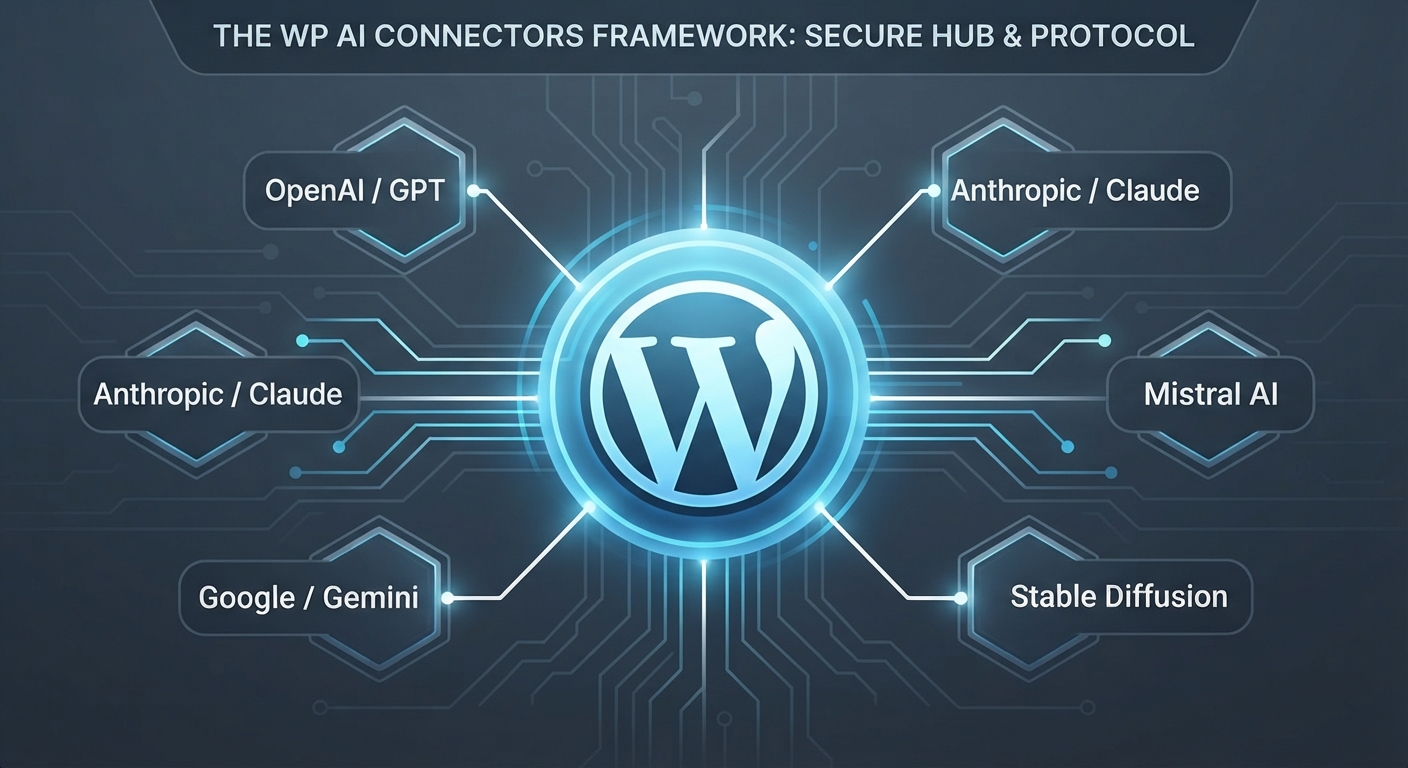 WordPress Hosting & OptimizationMastering WP AI Connectors: The Future of Native WordPress IntelligenceDenny G.Date: Jun 2, 2026
Stay up to date
Get WordPress hosting tips, product updates and resources straight to your inbox.