
Enterprise-Grade Backups: What a Real Disaster Recovery Plan Looks Like
 Olivia H.4 min read
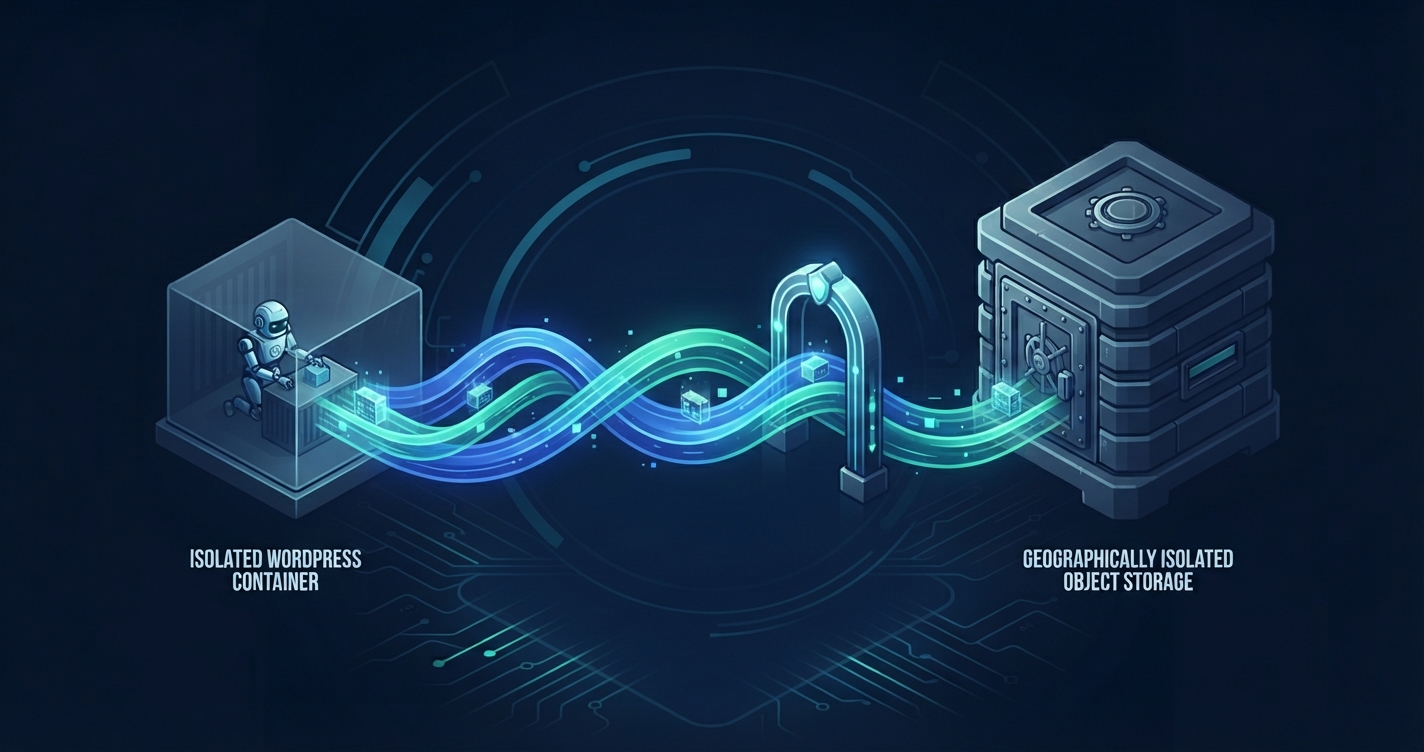
Most site owners assume they have a backup strategy simply because their hosting control panel generates a .tar.gz archive once a week – or because a WordPress plugin drops a .zip file into /wp-content/uploads/.
In reality, basic local archives are not a WordPress disaster recovery plan. If your server experiences a hardware failure, a ransomware infection, or a corrupted database migration, backups stored on the exact same disk volume disappear right alongside your live website. Even worse, restoring a bloated, multi-gigabyte monolithic archive over a sluggish connection can leave an e-commerce store or SaaS marketing site offline for hours.
Here is how modern, enterprise-grade backup engineering separates fragile "checkbox backups" from true business continuity.
1. Why Traditional Local & Plugin Backups Fail Under Pressure
Legacy shared hosting setups typically rely on full-account cPanel archives or PHP-based backup plugins running inside WordPress itself. Both approaches introduce serious operational bottlenecks as a site grows:
- Single Point of Failure (Same-Disk Storage): Storing backups on the same storage array as your production container means any disk corruption, account compromise, or data center incident wipes out both your site and your recovery point.
- PHP Execution & I/O Throttling: Plugin-based backups execute within PHP worker processes. On sites with large media libraries or heavy WooCommerce order tables, zipping gigabytes of data spikes disk I/O, triggers PHP timeout limits, and slows down live visitor traffic during backup windows.
- Monolithic Restore Bottlenecks: Full-archive backups force you to extract an entire 15 GB file even when you only need to roll back a single corrupted database table or a broken plugin folder.
2. Core Pillars of a True WordPress Disaster Recovery Plan
An engineering-led disaster recovery architecture rests on four non-negotiable standards:
Incremental Block-Level Backups
Instead of re-copying your entire wp-content/uploads directory every night, incremental backups capture an initial baseline and subsequently record only the specific file blocks and database changes modified since the last run. This slashes storage bloat, finishes in seconds rather than hours, and eliminates performance degradation during peak traffic.
Geographic Off-Site Redundancy (The 3-2-1 Rule)
Following the enterprise 3-2-1 backup rule – 3 copies of your data, across 2 different storage media, with at least 1 stored off-site – ensures infrastructure resilience. Off-site backups must be encrypted in transit (TLS 1.3) and at rest (AES-256), and stored in an isolated storage region separate from your origin compute nodes.
Defining RPO and RTO
Every serious WordPress disaster recovery plan is measured by two metrics:
- Recovery Point Objective (RPO): The maximum amount of data (measured in time) you can afford to lose after an incident. For a static brochure site, a 24-hour RPO (daily backups) is plenty. For an active WooCommerce store processing orders every few minutes, frequent database snapshots keep your RPO tight so orders aren't lost.
- Recovery Time Objective (RTO): How fast your site is back online after a failure is detected. Automated, point-and-click snapshot restoration reduces RTO from hours of manual FTP uploads and SQL imports down to just a few minutes.
3. Testing Your Recovery Workflow Before an Emergency
An untested backup is just a hypothesis. Make quarterly recovery verification part of your maintenance routine:
- Spin Up a Staging Clone: Restore a recent off-site snapshot into an isolated staging environment rather than overwriting production blindly.
- Verify Database & Media Integrity: Confirm that recent posts, user sessions, and uploaded assets load without missing paths or character-encoding errors.
- Document Emergency Access: Ensure your team has direct out-of-band access to your hosting control panel and DNS provider – because if WordPress
wp-adminis down, you cannot rely on an in-dashboard plugin to trigger a restore.
Automated Off-Site Backups & Rapid Recovery at OneStopWP
At OneStopWP, disaster recovery is built directly into our container infrastructure – not bolted on as a resource-heavy WordPress plugin:
- Automated Daily & On-Demand Backups via Control Panel: Every OneStopWP site includes automated daily backups plus instant one-click manual snapshots right before major plugin, theme, or WooCommerce updates.
- Off-Site Storage Redundancy: Backups are securely replicated off-site outside your primary container environment, protecting your data against hardware faults or accidental deletion.
- Granular Restore & Staging Integration: Need to undo a bad code deploy or database change? Restore your entire site, roll back just the database, or clone a backup directly into a staging environment in minutes – keeping your RTO low without touching SSH or phpMyAdmin unless you want to.
👉 Ready to protect your WordPress sites with automated off-site backups and rapid recovery? Explore OneStopWP Managed Hosting plans today.
See our plans and grab your discount while promotions last.
See plansKeep reading
All posts →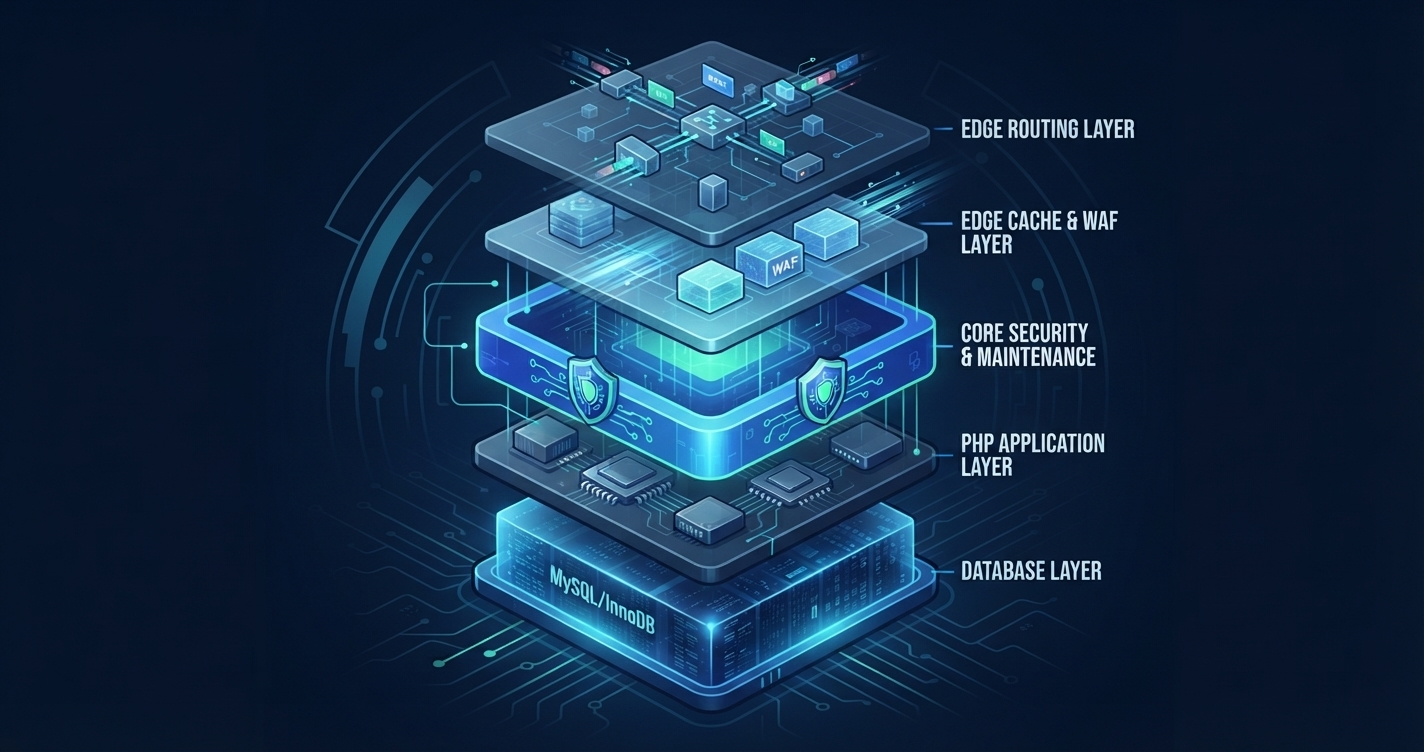 WordPress Hosting & OptimizationFrom 7.0 to 7.1.5: A Roundup of WordPress Core Maintenance and Minor ReleasesOlivia H.Date: Nov 18, 2026
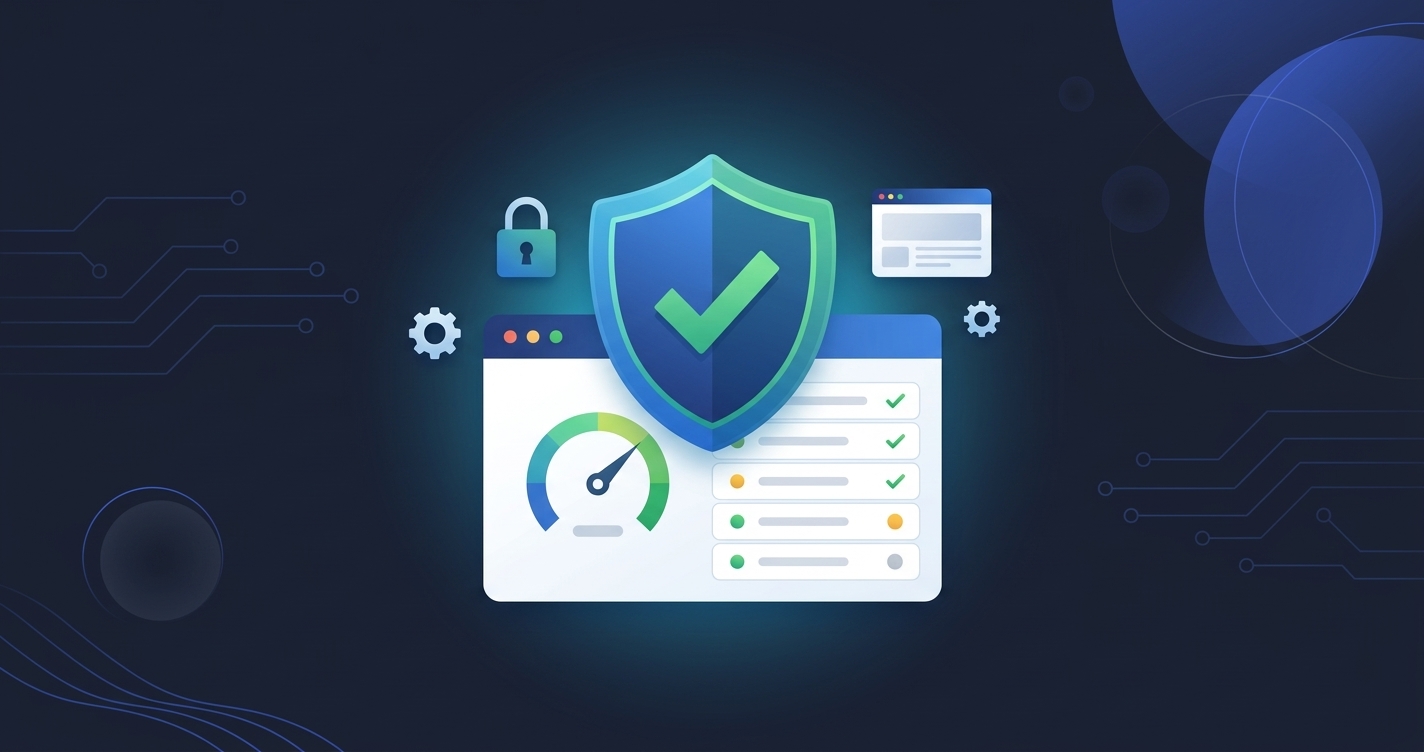 WordPress Hosting & OptimizationOneStopWP Optimizer: Free Security Checks and One-Click Fixes for Every OneStopWP Hosted SiteDenny G.Date: Nov 9, 2026
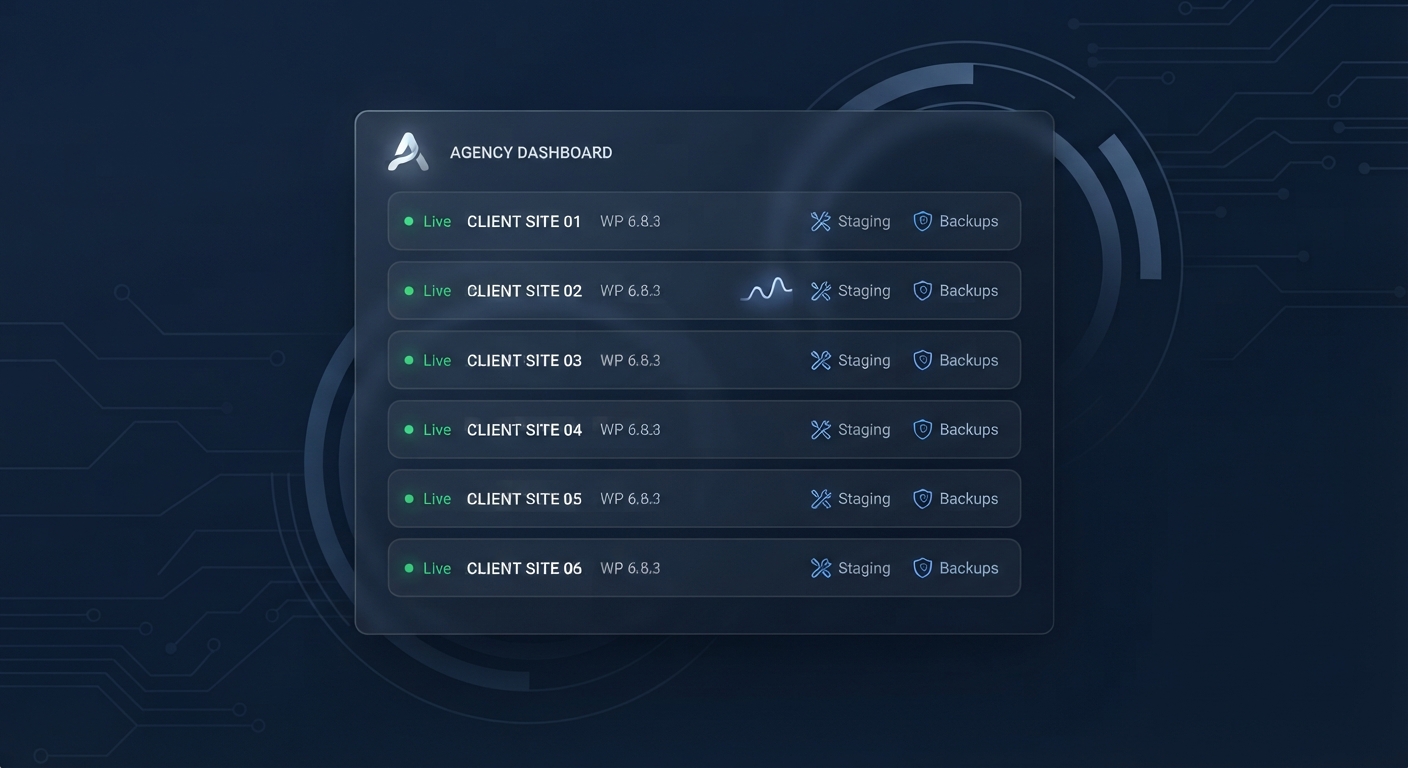 OneStopWP NewsIntroducing OneStopWP Reseller Hosting: White-Label WordPress for AgenciesOlivia H.Date: Oct 26, 2026
Stay up to date
Get WordPress hosting tips, product updates and resources straight to your inbox.